Plug WhatsApp, SMS and calls into any LLM
2Chat ships an official MCP server that exposes your WhatsApp, WABA, SMS and voice operations as tools. Add it to Claude, ChatGPT or any MCP-compatible client and let your AI agent talk to customers, manage contacts and run automations on its own.
Claude
ChatGPT
OpenClaw + Hermes
Any MCP client
// claude_desktop_config.json
{
  "mcpServers": {
    "2chat": {
      "url": "https://mcp.2chat.io/mcp",
      "type": "http"
    }
  }
}
Works with the LLMs and agents you already use
If your assistant speaks the Model Context Protocol, it can speak to your customers through 2Chat. No glue code, no proxy server, just point it to our endpoint and authenticate.
Claude
Add 2Chat to Claude Desktop, Claude Code or claude.ai with a single MCP entry. Claude can read, write and reply to WhatsApp messages on your behalf.
ChatGPT
Use 2Chat as a custom connector inside ChatGPT and ChatGPT-based agents. Trigger sends, lookups and call workflows directly from a chat.
OpenClaw + Hermes
Wire 2Chat into OpenClaw together with Hermes, the open agent from Nous Research, and other self-hosted MCP runtimes. Bring messaging and voice into your own agent stack.
Any MCP-compatible client
Cursor, Cline, n8n, custom SDK agents. Anything that speaks MCP can call the 2Chat tools the same way.
33 tools across messaging, voice and account
Every action in 2Chat is exposed as a typed MCP tool with structured arguments. Your LLM picks the right one and runs it against your account in real time.
Identity & Account
Inspect the connected workspace, current user and billing status before taking action.
Contacts
Create, search, update and remove contacts in your 2Chat address book from natural language.
Send messages, fetch conversations, check if a number is on WhatsApp, manage statuses and read your catalog.
WhatsApp Groups
List groups, fetch participants and read group messages so your agent can reason about ongoing group chats.
WhatsApp Business API
Send template messages, sync templates and estimate template costs across countries on the official WABA channel.
SMS
Trigger transactional and one-time SMS to any country directly from your AI agent.
Voice & Virtual Numbers
List virtual numbers, look up call history, inspect call details and check call pricing on demand.
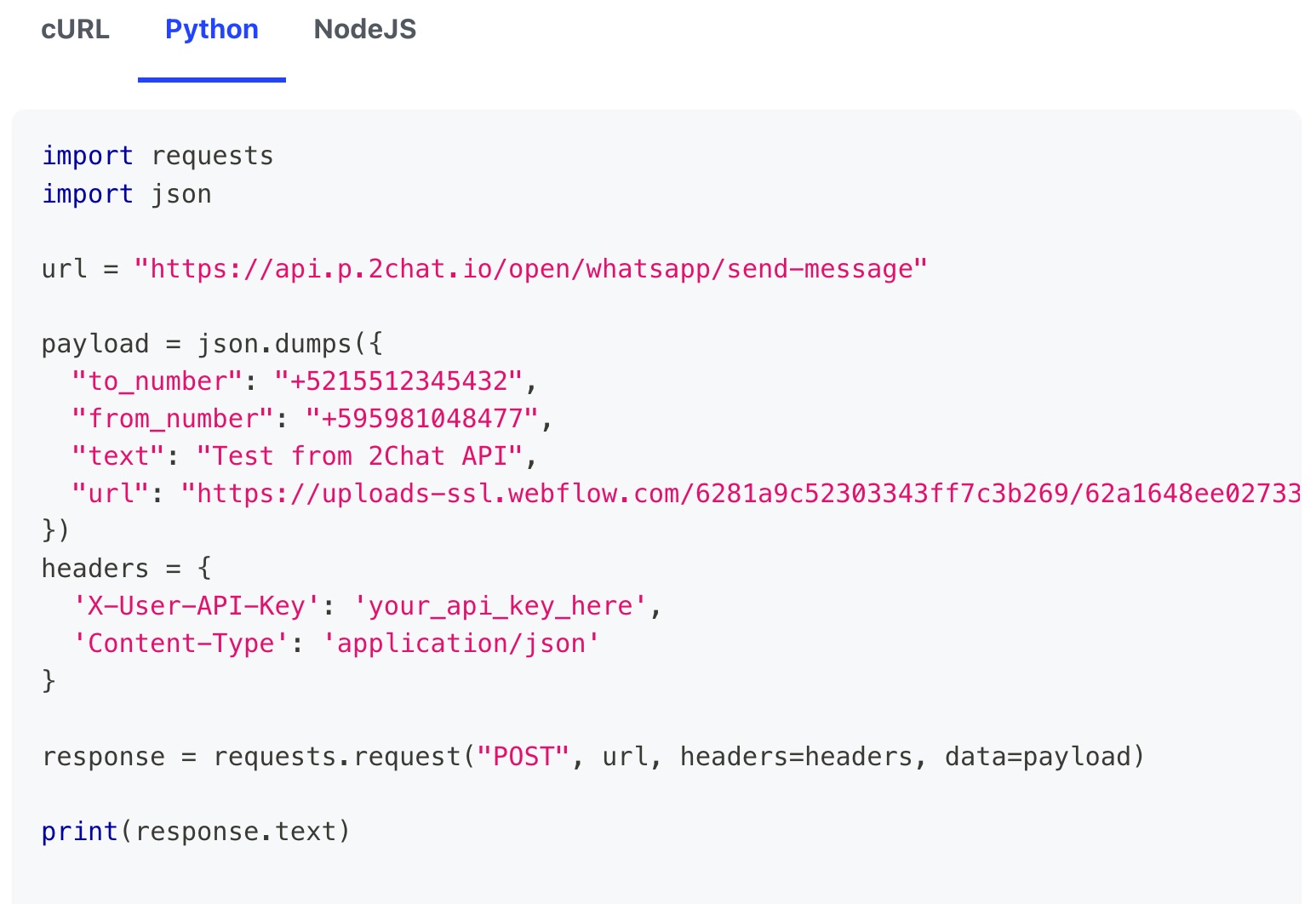
Let your assistant reply on WhatsApp
Hand a customer query to Claude or ChatGPT and it will draft, send and follow up on WhatsApp using your real number, with full conversation context loaded as needed.
Manage contacts in plain English
Ask your agent to find a contact, update tags, fix a phone number or merge duplicates. The contact tools handle it without you opening the dashboard.
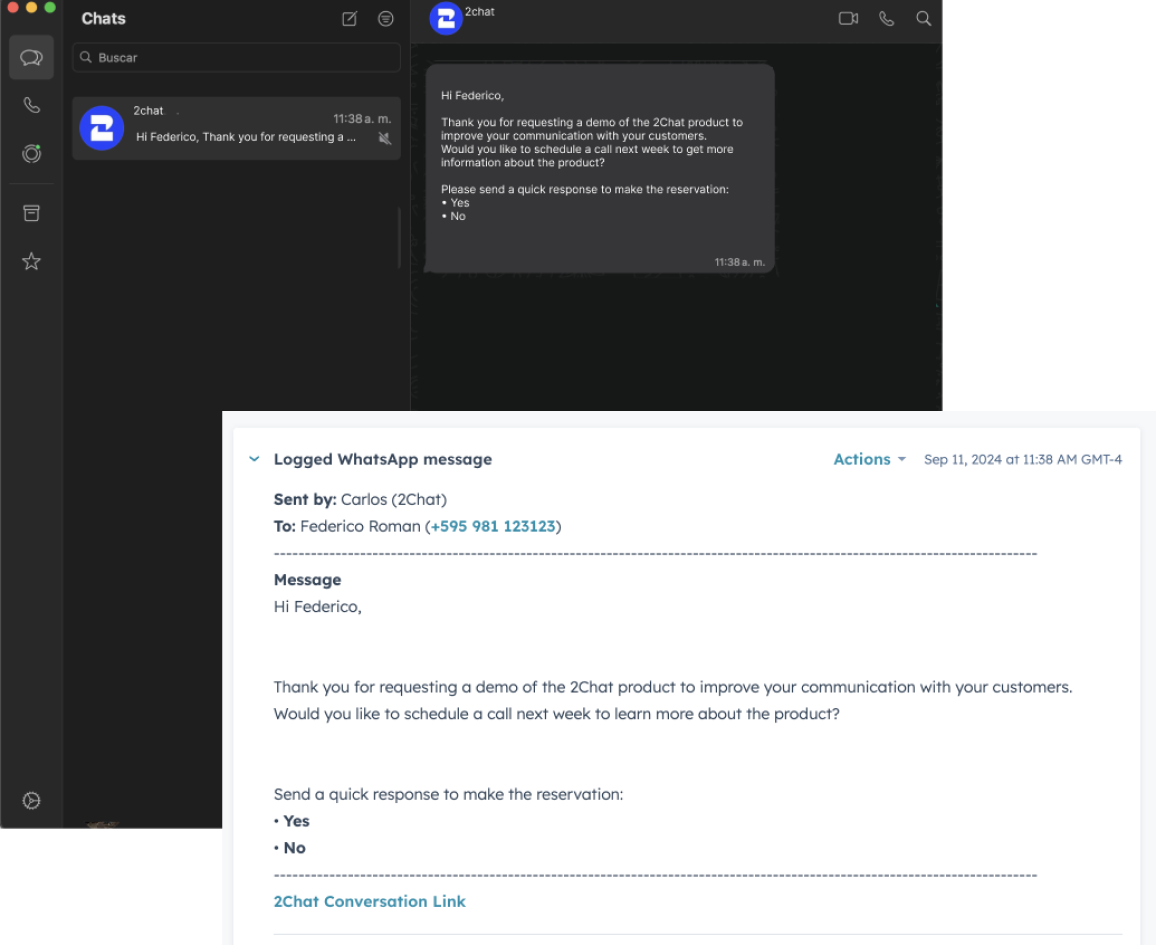
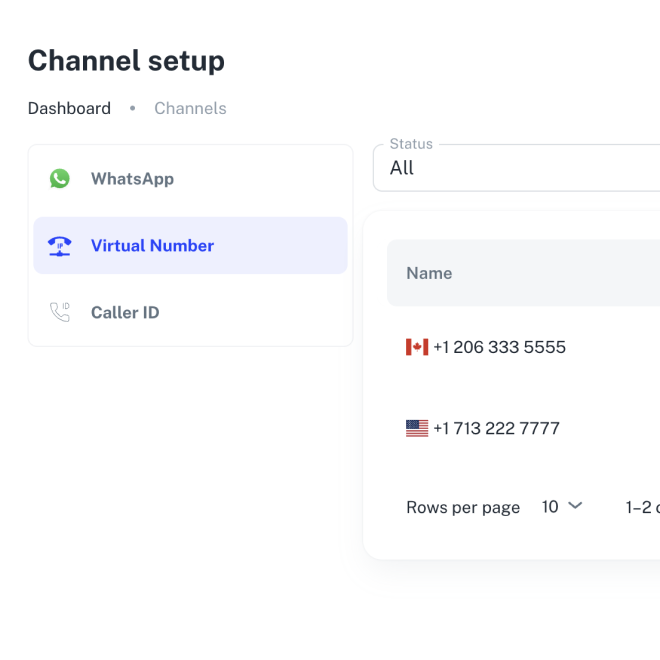
Reach anyone, on any channel
Send a one-time SMS, check a virtual number's call history or pull pricing for an outbound call. Your agent can orchestrate voice and SMS the same way it sends a WhatsApp message.
Three steps to a working agent
Setup is the same regardless of which LLM client you use. If it accepts an MCP server URL, you are minutes away from running tools.
Create your 2Chat account
Sign up for free and connect a WhatsApp, SMS or virtual number. No WhatsApp Business API account required.
Add the MCP endpoint
Drop the 2Chat MCP URL into your client's configuration: Claude Desktop config file, ChatGPT connector or any MCP-aware tool.
Start prompting
Ask your assistant to message a customer, find a contact or check a number. It will pick the right tool and run it on your account.

Certified Meta Tech Provider
2Chat operates as an official Meta Tech Provider, meeting the highest standards for security, stability, and compliance in enterprise environments.
Questions & answers
Frequently asked questions about the MCP server
Give your AI agent a phone and a WhatsApp
Sign up for 2Chat and connect the MCP server to your favorite LLM in minutes. The free trial includes everything you need to test the full toolset.
Keep exploring
Related articles
Check out some of our blog posts that you might find useful
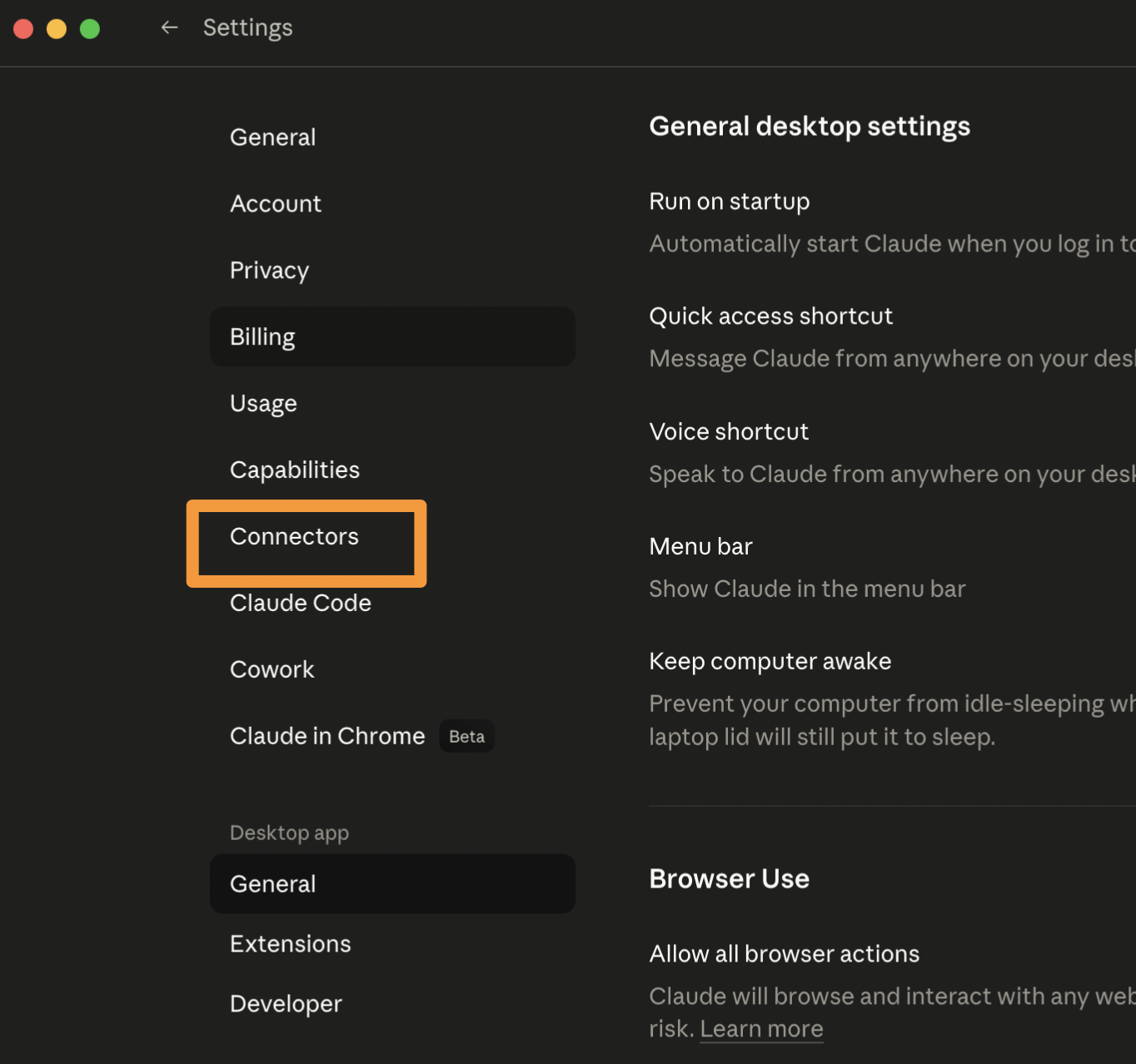
Step-by-step guide to connect 2Chat's MCP server to Claude Desktop, Claude Code and claude.ai.
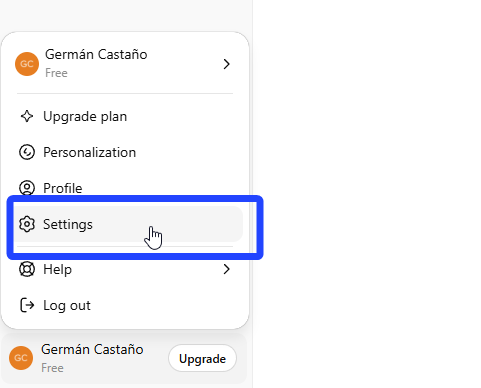
Add 2Chat's MCP server to ChatGPT as a custom connector and give your assistant WhatsApp, SMS and voice tools.
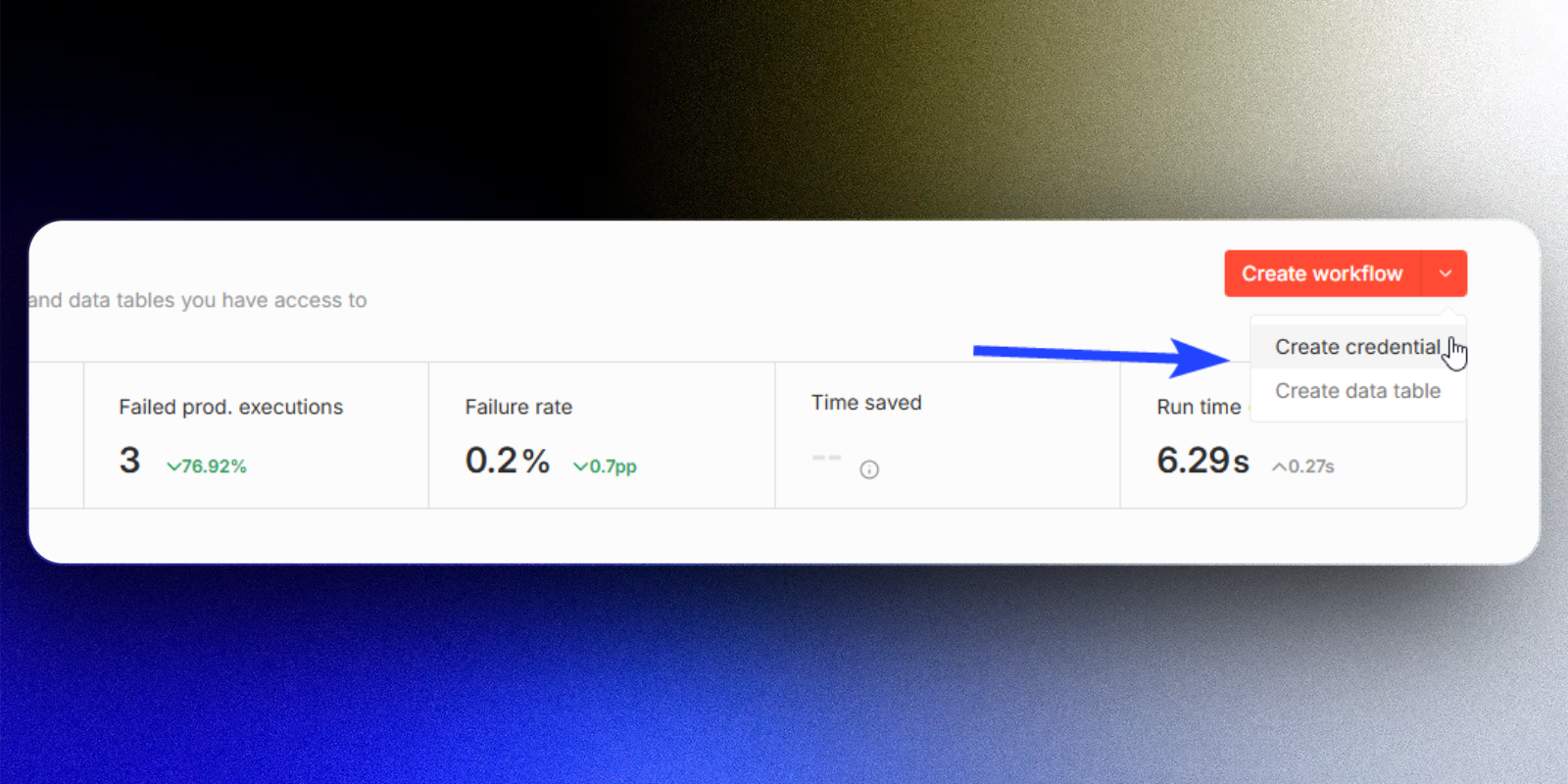
Use the MCP node in n8n to call 2Chat's tools from any workflow, no custom HTTP requests needed.